
Convert DVD to Digital in Fairfield County, CT
Professional DVD to digital conversion - from $19.99 per disc with free pickup.
If you're looking for someone local and experienced to convert your DVDs to digital files you can actually use again, you're in the right place.
We're Remember Whenever, based in Fairfield, CT.
Every order is handled personally, start to finish, by the same person - and we're 100% five-star rated.
When you call or email, you get straight through to the person doing the work, not an AI chatbot or a call center.
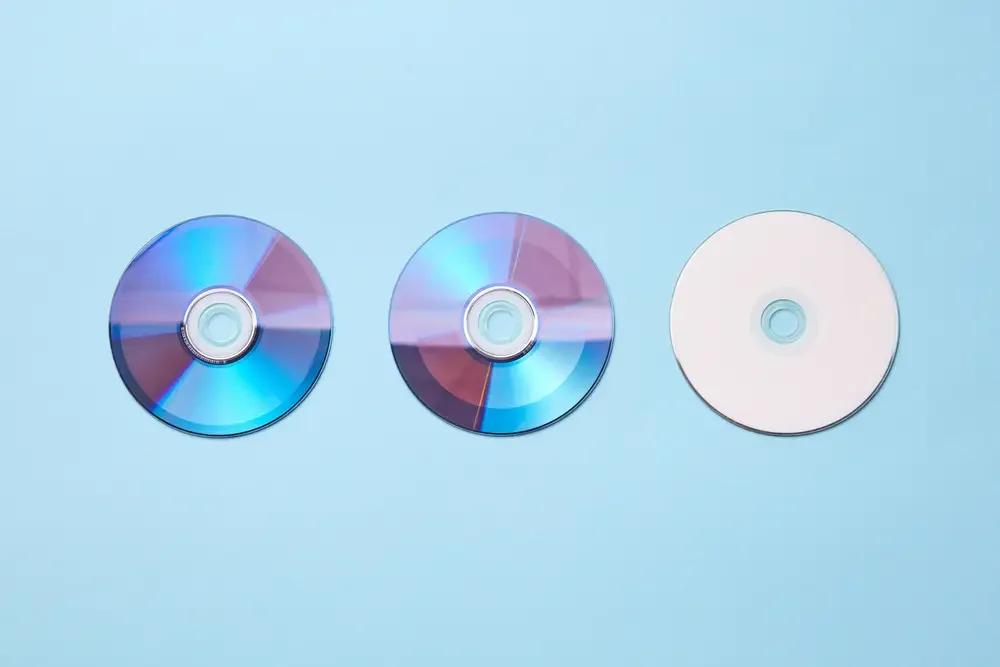
We convert standard DVDs, Mini DVDs (the small ones from old camcorders), and Blu-rays to MP4 files that play on anything - phones, tablets, laptops, smart TVs, you name it. Wedding DVDs, family gatherings, old VHS transfers you had done at Costco years ago - we've seen it all and know how to handle every issue that can come up.
Your files come back to you on a USB drive, an external hard drive, or via download link, whichever is easiest. Your original discs come back too. We pick everything up and drop it off for free, anywhere in Fairfield County.
We also have dedicated pages for DVD to digital conversion in Fairfield, DVD to digital conversion in Westport and
DVD to digital conversion in Norwalk if you'd like more local detail.
No software to figure out. No equipment to buy. Just hit the button below or give us a call at (203) 208-9447 and we'll come to you.

How Much Does it Cost To Convert DVD to Digital

$19.99

$29.99
(Includes “deep extraction” service for un-finalized discs)
$29.99
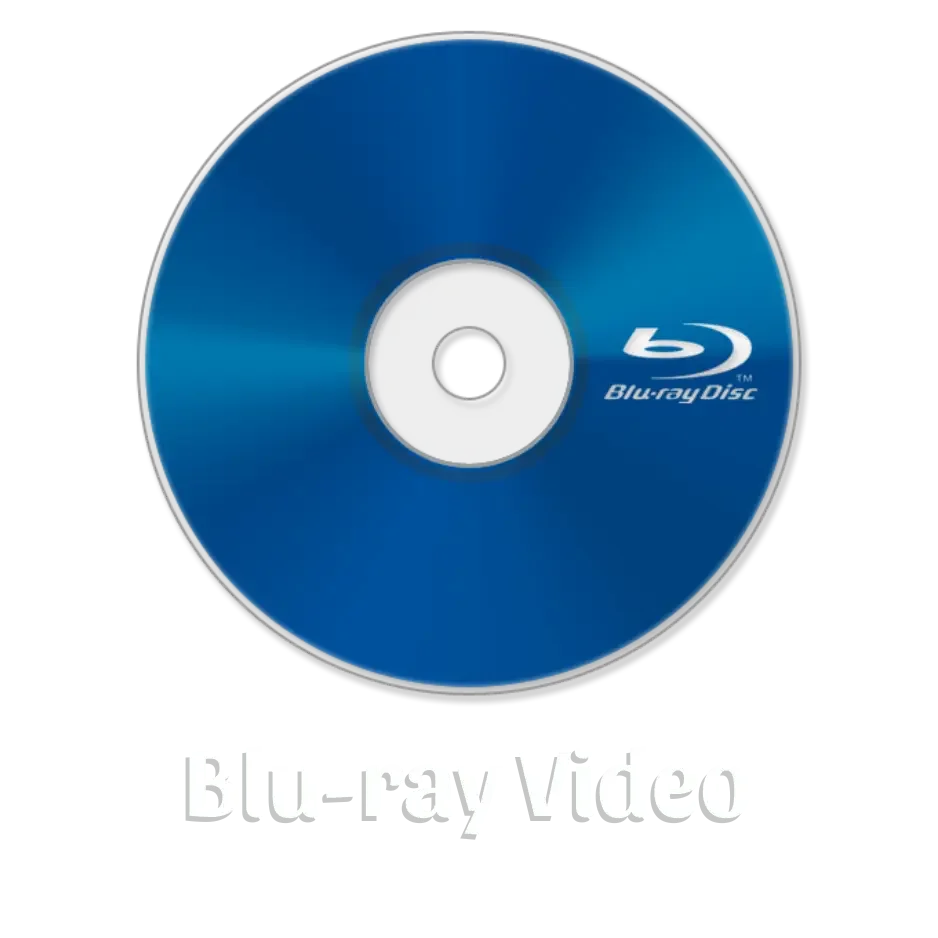
DVD to digital conversion starts at $19.99 per disc for standard DVDs and $29.99 for Mini DVDs or Blu-rays. Mini DVDs often require specialized equipment and often need "deep extraction" to pull video from discs that were never finalized in the camcorder.
If you've got a stack of discs to convert, we offer bulk discounts - 10% off for 6-19 discs and 20% off for 20 or more.
Unlike DIY software that makes you figure out ripping programs and deal with hardware headaches, our service includes everything - professional extraction, high-quality MP4 conversion, and delivery via USB drive, hard drive, or download link. Plus free pickup and delivery throughout Fairfield County, so you don't have to drive anywhere or mail your precious memories to some distant lab.
Bulk discounts
Because discs need love too…
10% OFF
6-19 discs =
20% OFF
20+ discs =
Choose a transfer that’s right for you
Not sure what’s best for your needs? Get in touch today and we’d be happy to help you decide!
or call us on (203) 208-9447
WHAT’S INCLUDED?
-
We'll take your DVD, Mini DVD, and Blu-ray videos and convert them to MP4 files you can watch anywhere.
Transfer to USB drive, hard drive, or download directly. No more need for a disc player.
-
A free 30-day, unlimited download and sharing link (up to 100GB in size)
All of our orders for digital files come with a free download and sharing link so you can share your memories with as many family members and friends as you like.
Need longer than 30 days? We can store your files indefinitely for just $5 a month.
-
If your DVDs have labels, we’ll transfer those titles onto your files, making it easy to find exactly what you’re looking for.
Got dates on them? We’ll do our best to sort everything in chronological order, no extra charge, no extra hassle.
-
Our video files are provided as high quality .MP4 files as standard (the most compatible format), so you can take them anywhere and load them on any device.
ADD-ON SERVICES
-
$10 per disc
Old video transfers to DVD often came with unwanted hissing and humming that can be a real distraction.
Our service reduces as much of that noise as possible while keeping everything else intact, so you can focus on the moments that matter, not the background buzz.
-
$10 per disc
Had your media transferred to DVD elsewhere? Chances are, your footage wasn’t trimmed, meaning you’ve got a lot of blank space at the end (and maybe at the start, too).
With this add-on service, we’ll clean that up for you, removing the empty sections so you’re left with only the moments that matter.
-
If the audio on your DVD needs more TLC than just equalization, our experts are here to work their magic.
With decades of experience, we’ll bring clarity, warmth, and life back to your DVD audio making it sound its absolute best.
See our Audio Restoration page for pricing
-
All our orders come with a free download and sharing link, but if you’d like to add a USB drive to your order, we can get the right size for the media you have.
Our prices start at $15 and we can let you know how large a drive you’ll need.

“I was very hesitant about sharing my priceless family memories, and shipping them off somewhere to be converted to memories I could share and enjoy with our family.
In less than one week I had my 30 DVDs, mini CDs and VHS tapes converted and downloaded. We’ve already started watching and could not be happier with the service and quality. There were a few, close to 30 years old; stored improperly that he was able to restore.”
- Sally O.
Why Convert Your DVDs, Mini DVDs & Blu-rays to Digital Files Now?
Back in the early 2000s, getting your VHS tapes converted to DVD felt like the smartest thing you could do.
No more rewinding, better picture quality, and those cool menus made everything feel so professional. Places like Costco made it cheap enough that everyone was doing it.
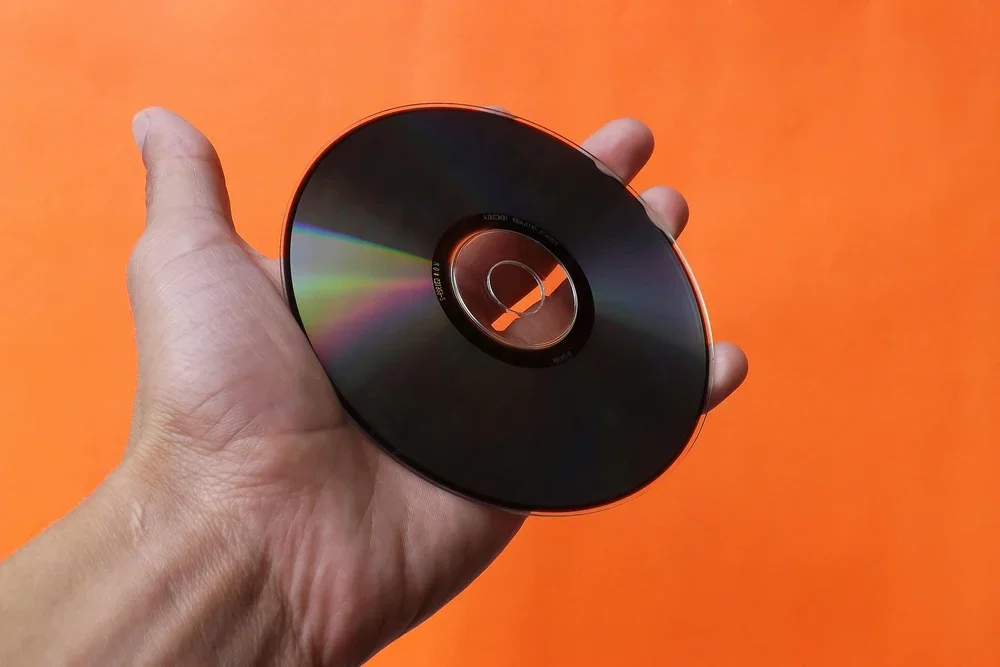
Wedding videos, kids' soccer games, family vacations - everything got the DVD treatment. Your whole video collection suddenly fit on one shelf instead of taking up half the entertainment center. We all thought we'd solved the problem of preserving family memories forever.
DVD burning services were everywhere, and the technology felt revolutionary. You could fit hours of footage on a single disc, create custom chapter menus, and even add photo slideshows as extras. Home video transfer to DVD became the standard way to preserve analog memories. It seemed like the perfect bridge between old analog formats and the digital future we were all heading toward.
What Nobody Saw Coming
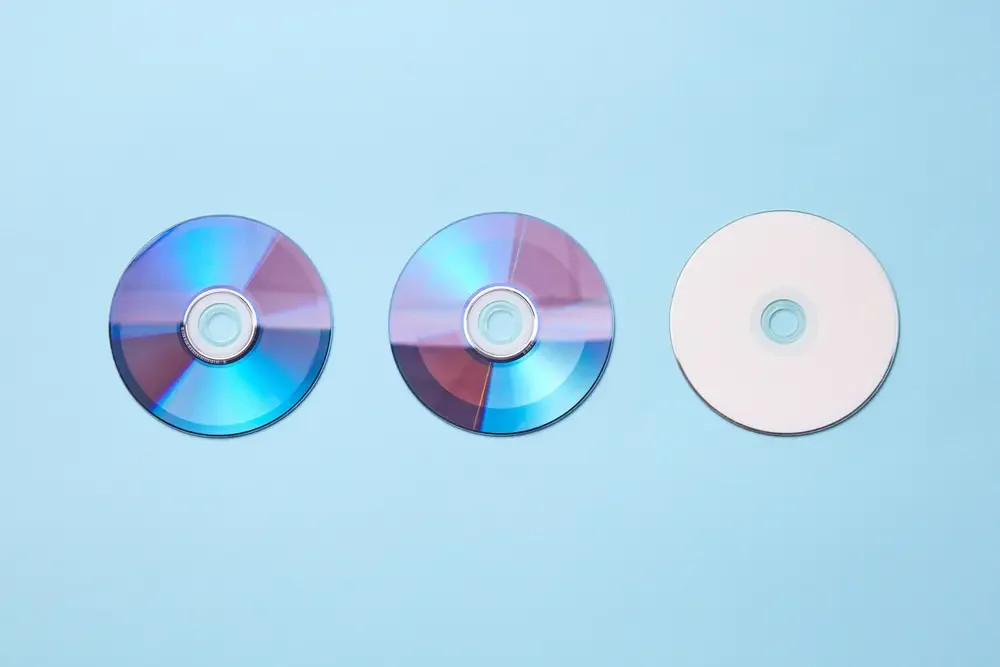
Here's what none of us predicted: DVD players would basically disappear. Most computers don't even have disc drives anymore. Those "permanent" family memories are now sitting in boxes or drawers being treated like clutter.
It's frustrating when you want to show your kids their baby videos or share that vacation footage with your sister. You end up digging through closets looking for that old laptop or DVD player you haven't used in years, assuming it even still works.
The Silent Problem We Weren’t Warned About
Even if you still have a DVD player, your discs may not last long enough to matter.
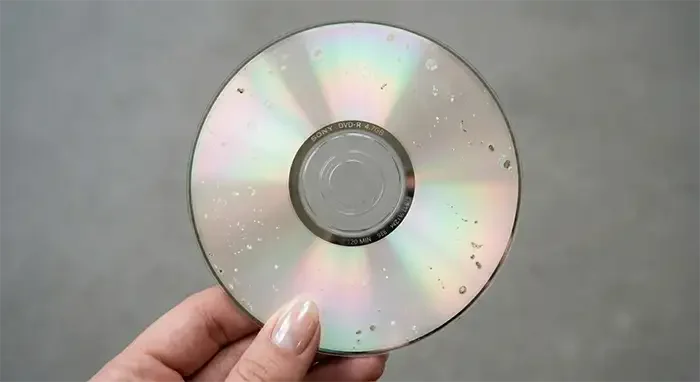
DVDs, especially recordable ones like DVD-R and DVD+R (which is exactly what those Costco and YesVideo transfer services used), have a limited lifespan. The dye layer that stores the video can degrade over time, particularly if the discs have been stored somewhere warm, damp, or exposed to light. This is known as disc rot, and by the time you notice it, it's already too late to reverse.
The warning signs are easy to miss: a disc that skips at the same spot every time, video that pixelates or freezes, or a disc your player suddenly won't recognize at all. Many people assume it's the DVD player at fault and never think to check the disc itself.
If your DVDs are showing any of these signs, don't wait. Once the dye layer breaks down far enough, the footage is gone for good. We can often recover video from discs that are starting to degrade, but the sooner we get to them, the better the result.
The Blu-ray Dilemma
Then came Blu-ray, promising the ultimate solution with stunning high-definition quality. Many families upgraded to Blu-ray recorders to capture important events in crystal-clear 1080p - weddings, graduations, milestone birthdays. The picture quality was incredible, far superior to standard DVDs.
But Blu-ray players are disappearing even faster than DVD players. Most computers never had Blu-ray drives to begin with, and streaming services made physical media feel outdated almost overnight. Now those pristine high-definition memories are stuck on discs you probably can't even play anymore.
The irony? You invested in the highest quality format available, and now it's the hardest to access. Your Blu-ray wedding video might as well not exist if you can't watch it.
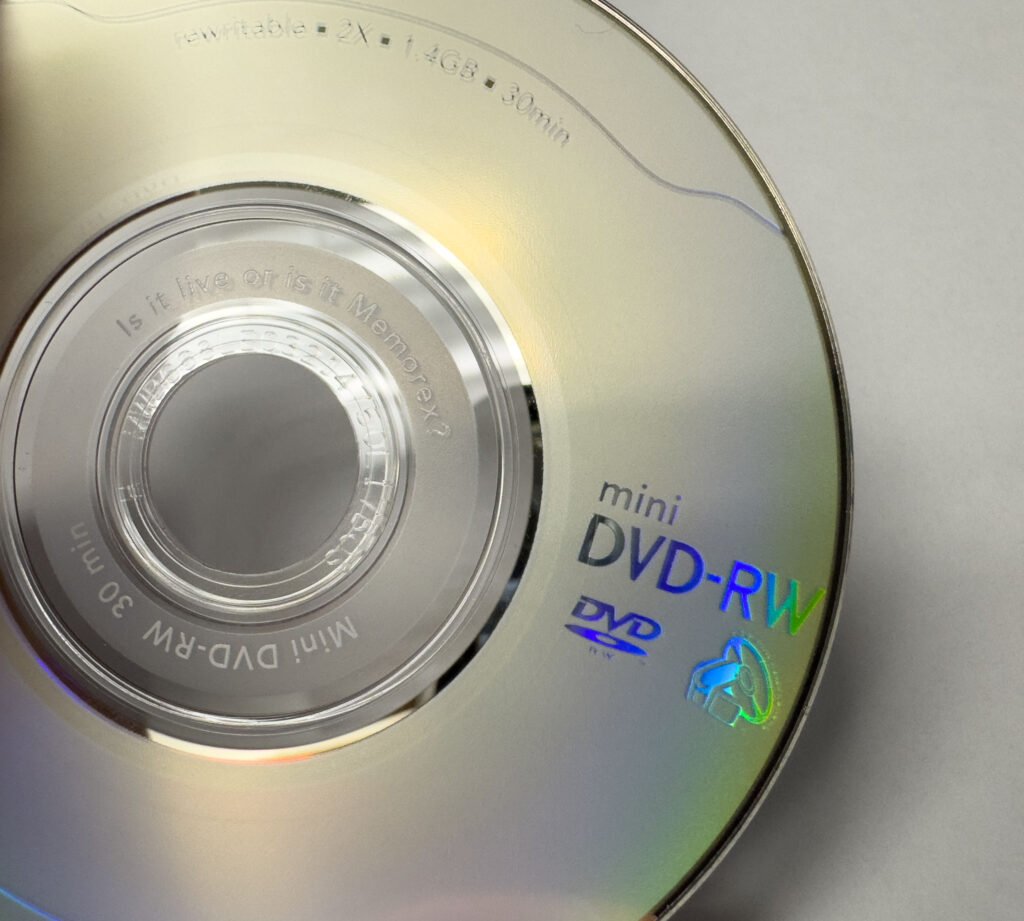
How to Convert Mini DVDs to Digital - The Specialized Challenge
Those little camcorder discs seemed even more convenient at the time. You could record your child's first steps directly to Mini DVD, skipping all the transfer hassle. Sony, Canon, and Panasonic all made Mini DVD camcorders that felt like holding the future in your hands.
Finding something that reads Mini DVDs now feels nearly impossible, especially if you forgot to "finalize" them. Unlike standard DVDs, converting Mini DVDs to digital requires specialized equipment and software that most people don't have access to. It's especially frustrating when you know there are precious moments on those tiny discs - maybe your baby's first Christmas or a grandparent who's no longer with you.
We've invested in the professional-grade tools needed to transfer Mini DVD to computer files. Whether it's Mini DVD-R or Mini DVD-RW (finalized or not), we can extract your memories and digitize Mini DVD content into standard MP4 files you can watch on any device.
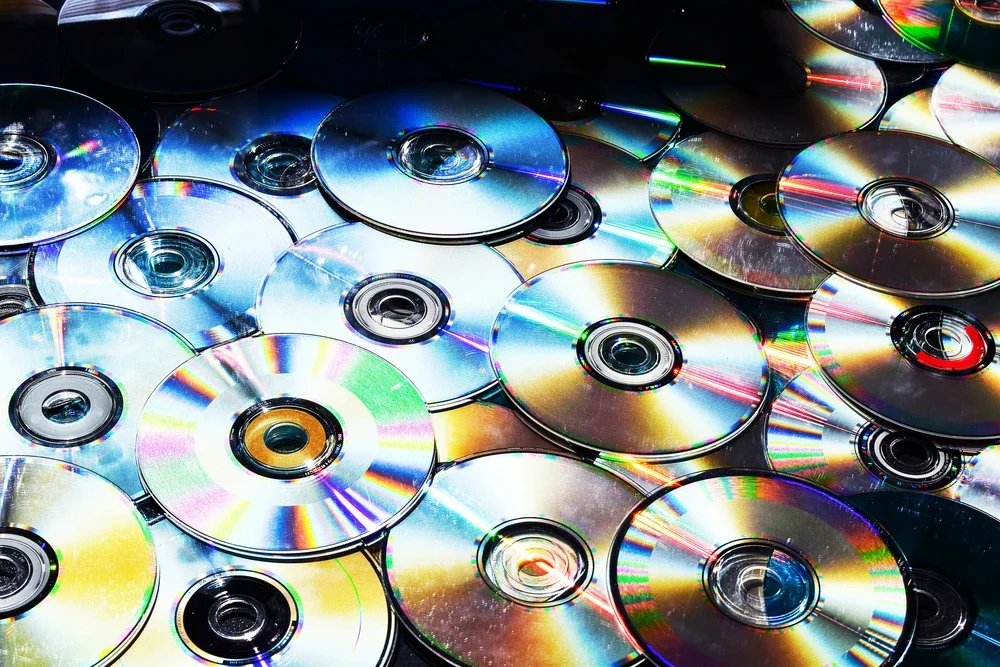
How to Turn DVDs into Digital Files That Work
Converting your DVDs, Mini DVDs, and Blu-rays brings those family moments back into your actual life. Instead of hunting for ancient equipment every time you want a trip down memory lane, your wedding video just lives on your phone like any other video.
We transfer DVDs to MP4 files that work on everything you already own. Watch them on your smartphone, tablet, computer, or smart TV. Transfer them to a USB drive to share with relatives. Copy them to an external hard drive for safekeeping. Or simply download them and store them in the cloud.
Many people start off by thinking they'll tackle it themselves with software. The reality? You need to find a DVD drive for your computer and some DIY DVD ripping software, the process can take hours per disc, and you'll often spend more time troubleshooting than actually watching your memories. Our professional DVD to digital service handles all of that complexity for you - we pick up your discs, convert them with professional equipment, and deliver perfect files ready to watch.
Your family's story shouldn't be trapped on obsolete technology. Digital files work on everything you already own and will keep working on whatever comes next.
Frequently Asked Questions About DVD to Digital Conversion
Some questions we often get about converting DVDs, Mini DVDs, and Blu-rays to digital. If you have questions that you don’t see an answer to here or would like more information about our services, please contact us here or check out our main FAQ page.
-
Our DVD to digital conversion starts at $19.99 per disc for standard DVDs.
Mini DVDs are $29.99 per disc (includes deep extraction for un-finalized discs), and Blu-ray conversion is $29.99 per disc.
We offer bulk discounts: 10% off for 6-19 discs and 20% off for 20+ discs.
All conversions include high-quality MP4 files, 30-day cloud storage with unlimited downloads, and free pickup and delivery within our service area.
-
Most orders are completed within a few days to a week, depending on the size of your collection.
Larger orders may take a little longer, but we'll give you a realistic timeframe when we pick up your discs and keep you updated throughout.
We never rush jobs - every disc gets the same careful attention whether it's one or fifty.
-
We convert all DVDs, Mini DVDs, and Blu-rays to MP4 files - the most compatible digital format that works on every device.
MP4 files play seamlessly on smartphones, tablets, computers, smart TVs, and any other modern device.
If you need a different format for a specific purpose, just let us know and we can accommodate that.
-
Yes! While all our orders include a free 30-day download link, we can also transfer your DVDs, Mini DVDs, and Blu-rays directly to a USB drive or external hard drive.
USB drives start at $12, and we'll help you determine the right size based on your collection. You can also download the MP4 files yourself and transfer them to any USB, thumb drive, or hard drive you already own.
-
Remember Whenever provides DVD, Mini DVD, and Blu-ray conversion services throughout Fairfield County, CT, with free pickup and delivery.
We serve Bridgeport, Fairfield, Stamford, Greenwich, Darien, Norwalk, Westport, New Canaan, Wilton, Ridgefield, and surrounding Connecticut towns.
Unlike mail-away services, your memories stay local throughout the entire process and you work directly with an experienced local professional.
-
Yes. Before we attempt any transfer, we clean the disc surface to remove dirt, dust, and light scratches that can cause playback issues.
If a disc is still having trouble after cleaning - skipping, freezing, or refusing to play entirely - we'll attempt a deep recovery using professional data recovery software to extract whatever footage is still readable on the disc.
We'll always let you know if a disc has issues before we proceed, and we won't charge you for something we can't recover.
-
This is a really common issue. When you copy .VOB files from a DVD, they're missing the companion .IFO files that tell your computer how to play them properly. Those .IFO files contain critical information like chapter markers, actual video duration, and playback instructions. Without them, you'll see problems like incorrect timing, video that skips around, or files that won't open at all.
Our professional conversion process extracts your video and re-encodes it into self-contained MP4 files with all the playback information built right in. That's why our files play perfectly on any device without those frustrating glitches.
-
The best way depends on your situation. DIY software exists, but you'll need to deal with copy protection issues, figure out ripping programs, and possibly spend hours per disc.
Our professional service handles everything - we pick up your discs, convert them with high-quality equipment, and deliver perfect MP4 files that play on any device. Most families find it's worth $19.99 per disc to skip the hassle and get guaranteed results.
-
We handle the entire DVD to digital conversion process for you. After we pick up your discs, we extract the video using professional equipment, convert it to MP4 format, and deliver your files via download link, USB drive, or hard drive.
No technical expertise required on your end - just click download and the files are yours to keep forever.
-
We handle the entire DVD to computer transfer process for you.
After we convert your DVDs to MP4 files, you'll receive a download link where you can save the files directly to your computer. From there, you can organize them however you like, back them up to external drives, upload them to cloud storage, or transfer them to other devices.
No technical expertise required - just click download and the files are yours.
-
Yes! Un-finalized Mini DVDs are one of our specialties. Many people recorded precious memories on Mini DVD camcorders and forgot to finalize the discs, making them unreadable on standard players.
Our deep extraction service (included in the $29.99 Mini DVD price) can recover video from un-finalized Mini DVD-R and Mini DVD-RW discs.
We use professional-grade software specifically designed to extract data from these challenging discs.
-
Yes! Converting Mini DVDs to digital is actually one of our specialties. Mini DVDs from Sony, Canon, and Panasonic camcorders require specialized equipment and software - especially if they weren't finalized.
Our deep extraction service (included in the $29.99 Mini DVD price) can recover video from un-finalized Mini DVD-R and Mini DVD-RW discs that won't play on standard players.
-
We handle the Mini DVD transfer process for you since most computers can't read Mini DVDs anymore.
We extract the video using professional-grade software designed specifically for Mini DVD formats, then convert it to standard MP4 files you can easily save to your computer, back up to external drives, or upload to cloud storage.
-
Yes, we provide professional Blu-ray to digital conversion services.
We transfer your Blu-ray home videos to high-quality MP4 files while preserving as much of the original HD quality as possible. Blu-ray conversion is $29.99 per disc with the same bulk discounts available.
Whether you need to transfer Blu-rays to a USB drive, hard drive, or simply want downloadable files, we've got you covered.
-
Absolutely! Wedding DVD conversion is one of our most popular services.
Whether your wedding video was originally recorded to DVD or you had VHS wedding tapes converted to DVD years ago, we can transfer them to modern digital files.
You'll get high-quality MP4 files you can easily share with family, watch on any device, or use to create anniversary videos.
-
Absolutely. This is one of the most common jobs we do. A lot of families went through services like Costco or YesVideo in the early 2000s and ended up with a shelf of DVDs they can't easily watch anymore. We convert those DVDs to MP4 files just like any other disc.
One thing worth knowing: those old transfer services typically didn't trim the footage, so your DVDs likely have significant blank space at the start and end of each disc.
Our blank space removal add-on ($10 per disc) will clean that up and leave you with just the footage that matters.
Why Use Remember Whenever to Convert DVD to Digital?
Get it done once and get it done right - enjoy your family memories forever
Get the best, first time.

Quality work done by quality people
Only the best DVD transfers, performed by expert technicians, using professional equipment.

30-day cloud storage & link sharing
Free download and sharing link with every order, so you can share your memories with as many family members and friends as you like.

Compatibility guaranteed
High quality MP4 files as standard (the most compatible format), so you can take them anywhere and load them on any device.
From cases on a shelf to pictures on your screen
In four easy steps.
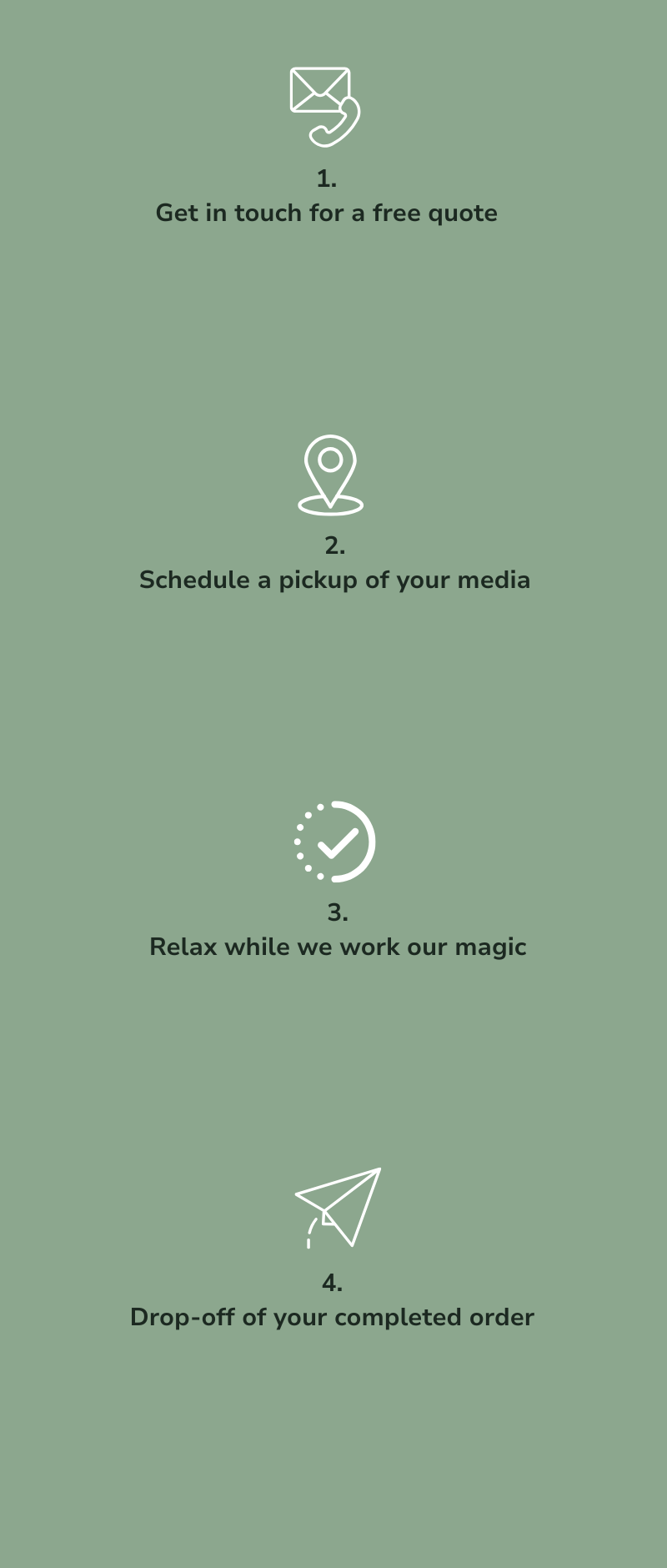
Contact us today to talk about your DVD transfer project and get a free, no-obligation quote.
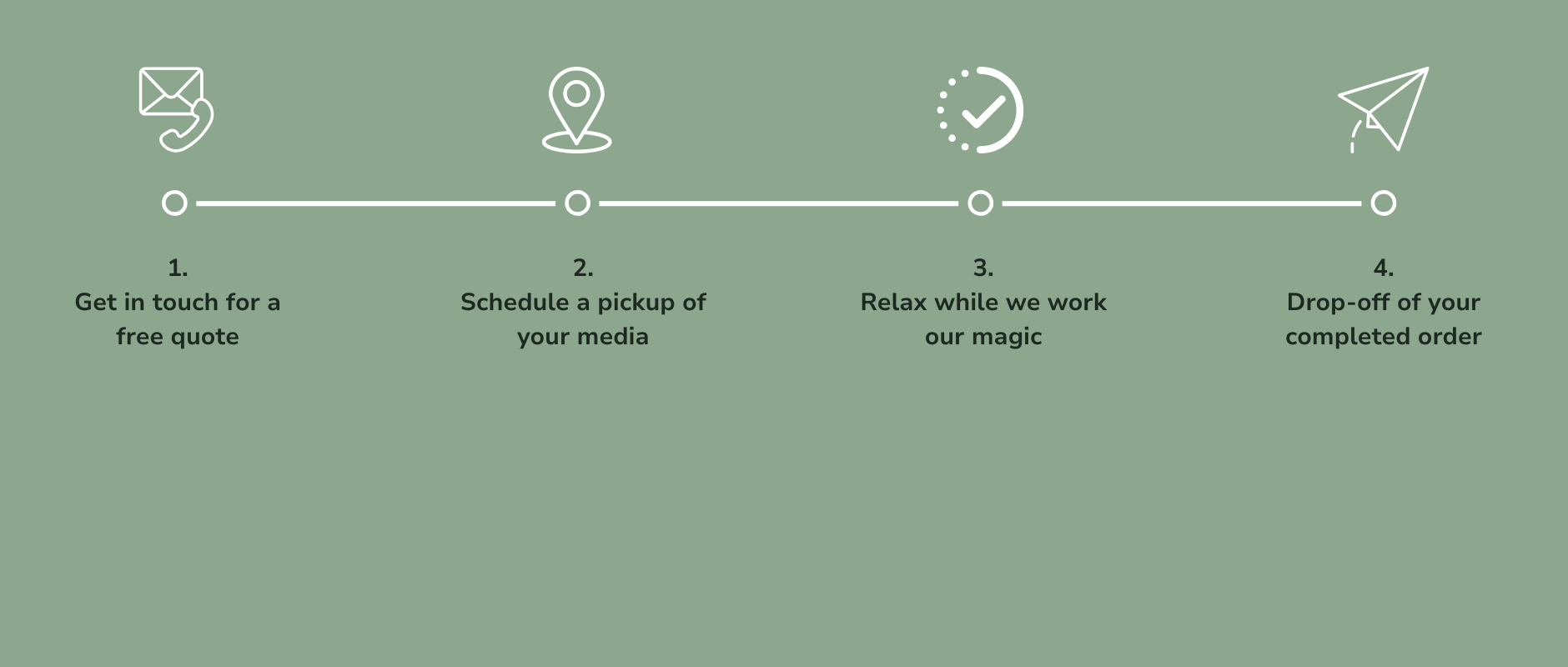
We’ll come and pick up everything for free within our free pickup & delivery area ($1 per mile each way beyond).
Our expert techs will get to work on your project and they’ll be in touch if they have any questions.
Once we’re all set, we’ll let you know and schedule a convenient time to safely drop your newly digitized media back to you.
Can You Convert Your DVDs to Digital Yourself? Here's the Honest Answer.
Short answer: yes, you can. Longer answer: it depends on your equipment, your discs, and how much time you're willing to spend troubleshooting.
Here's what the process actually looks like.
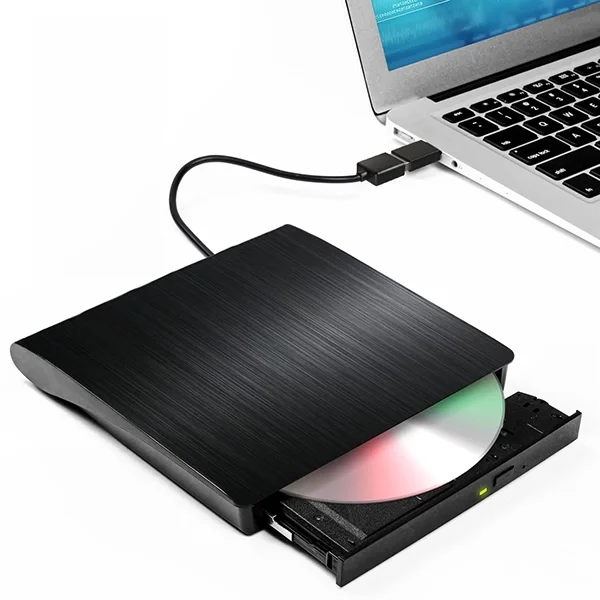
What you'll need to get started
First, you need a DVD drive. Most modern laptops and desktops don't have one built in, so that typically means buying an external USB model. Not all drives are equal, though - cheaper ones can struggle with older or slightly damaged discs, so it's worth spending a little more if you're going this route.
Then there's the software. The most popular free option is HandBrake, which runs on Windows, Mac, and Linux and is genuinely capable.
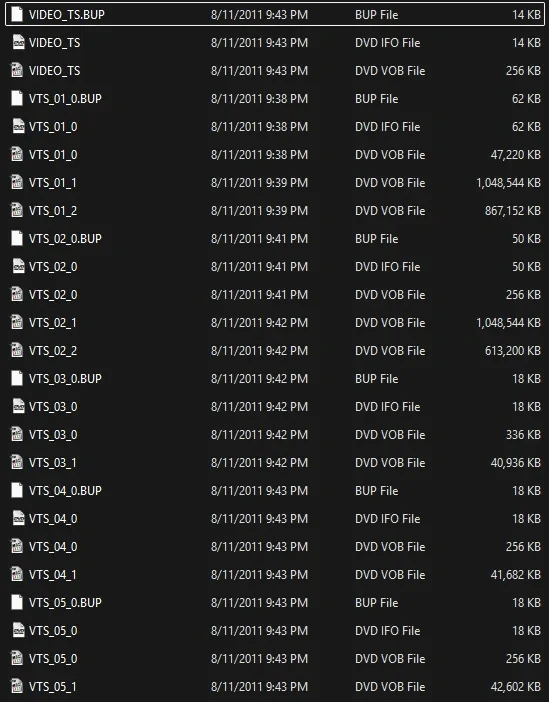
The file structure problem
Here's where it gets a bit technical. DVDs don't store video the way your phone or computer does. The footage lives inside a folder called VIDEO_TS as a series of .VOB files, encoded in an older format called MPEG-2. You can't just drag those files onto your desktop and expect them to play - they need to be decoded and re-encoded into something modern like MP4 before most devices will recognize them and play them back correctly.
That re-encoding process takes time (roughly real-time or longer on older hardware), and if the settings aren't right - bitrate, codec, resolution - you can end up with a file that looks noticeably worse than what was on the original disc. Getting those settings dialed in takes some research.
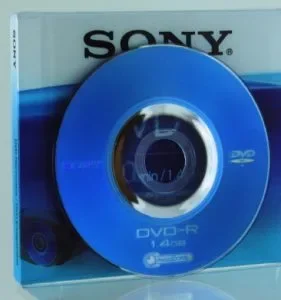
The unfinalized disc problem
If any of your discs came from a Mini DVD camcorder, there's an additional hurdle. Discs that were never properly "finalized" in the camcorder - and a lot of them weren't - won't be recognized by standard ripping software at all. You'd need specialized deep extraction tools just to attempt it, assuming the footage is still recoverable.

The time problem
Then there's the repetition. Every disc has to be loaded individually, scanned, encoded, and unloaded before you move on to the next one. A stack of 20 discs could be a full day's work, and that's if nothing goes wrong along the way.
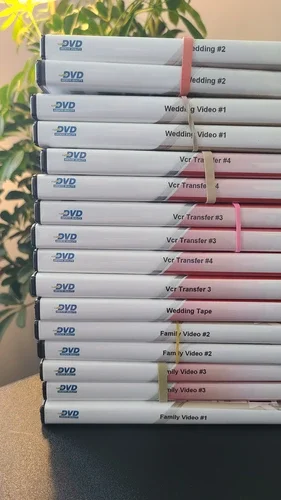
What we do differently
We've done this thousands of times. We use pro-grade drives that handle discs consumer hardware gives up on, and we perform deep extraction on unfinalized and problem discs as standard. Everything that can be pulled from a disc, is pulled.
Years of experience working with those old Costco DVDs have taught us about how they did things, and trimming blank space from the start and end of your footage was not part of the process. We can cut out all the blank footage and just leave you with the good stuff.
Color correction, brightness adjustment, audio normalization, and audio noise reduction are all available if you want the files to look and sound their best.
So if you've got a couple of discs and enjoy a technical project, DIY is genuinely doable.
But if you've got a stack of important memories and you want them done right the first time, that's exactly what we're here for.
Ready to hand off the hassle? Get in touch today and we'll take it from here.
Call us on (203) 208-9447
Ready to start your DVD transfer project?

Our tech has over 14 years of experience converting DVDs to digital, and every disc gets the same careful attention, whether it's one or a hundred.
Fast turnarounds, but never rushed - your memories deserve better than that.
Get in touch today and let's find out what’s on those DVDs!

“Once upon a time, DVDs were the future - now they’re stuck in the past. Who has a DVD player these days?
We’ll help you get those discs turned into something you can watch at the press of a button, and share with those who helped you make those memories all those years ago.”
Proudly serving our neighbors in:
Bethel · Bridgeport · Brookfield · Danbury · Darien · Easton · Fairfield · Greenwich · Milford · Monroe · New Canaan · New Fairfield · New Haven · Newtown · Norwalk · Redding · Ridgefield · Shelton · Sherman · Stamford · Stratford · Trumbull · Weston · Westport · Wilton